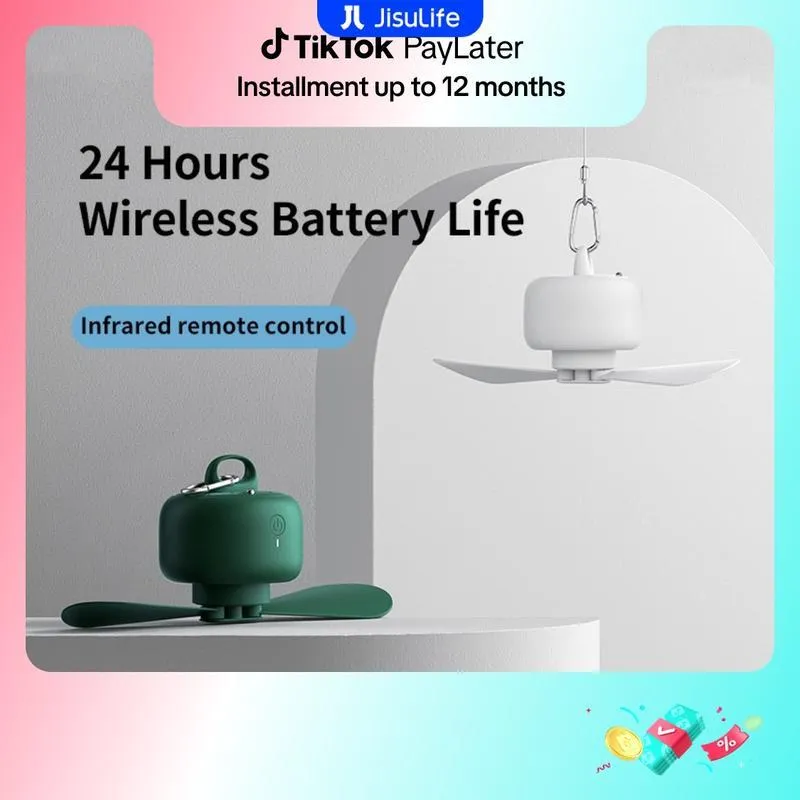

Thank you for choosing the JISULIFE FA16 Portable USB Rechargeable Ceiling Fan. This innovative fan is designed for versatility and convenience, offering strong airflow, quiet operation, and a long-lasting battery, making it ideal for home, office, camping, and other outdoor activities. Please read this manual carefully before use to ensure proper operation and maintenance.

JISULIFE FA16 Portable Ceiling Fan with remote control and long battery life.
2. Safety Instructions
- Do not insert fingers or any objects into the fan blades while the fan is operating.
- Keep the fan away from water and moisture.
- Do not attempt to disassemble or repair the fan yourself. Contact customer support if needed.
- Ensure the fan is placed on a stable surface or securely hung to prevent it from falling.
- Keep out of reach of small children.
- Use only the provided or a certified Type-C charging cable and a compatible power adapter (5V).
- Do not expose the battery to extreme temperatures or direct sunlight.
3. Package Contents
- JISULIFE FA16 Portable Ceiling Fan
- Remote Control
- Type-C Charging Cable
- User Manual
4. Specifications
| Feature | Specification |
|---|---|
| Model Number | FA16 |
| Brand Name | JISULIFE |
| Power Source | Battery (USB Rechargeable) |
| Battery Capacity | 9000mAh |
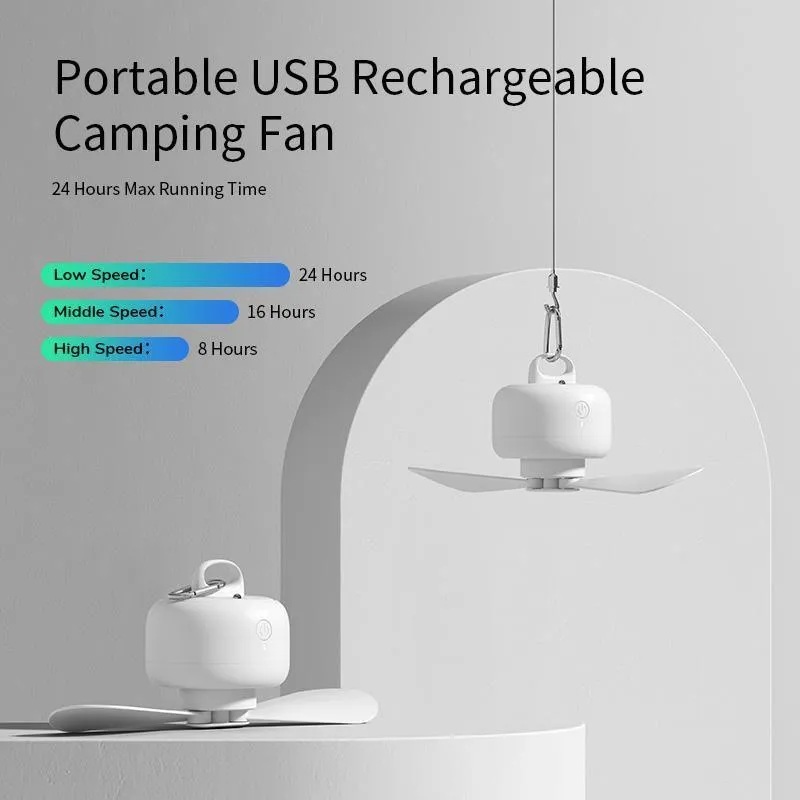
| Max Working Time | Up to 25 hours |
| Charging Time | 7-8 hours |
| Charging Port | Type-C |
| Voltage | 5V |
| Power (W) | 5W |
| Max. Power | <20W |
| Fan Speed Settings | 4 (Low, Middle, High, Natural Wind) |
| Rotary Vane Quantity | 2 |
| Controlling Mode | Remote Controlled (Infrared) |
| Remote Control Range | Up to 5 meters |
| Timing Function | Yes (4-speed timing) |
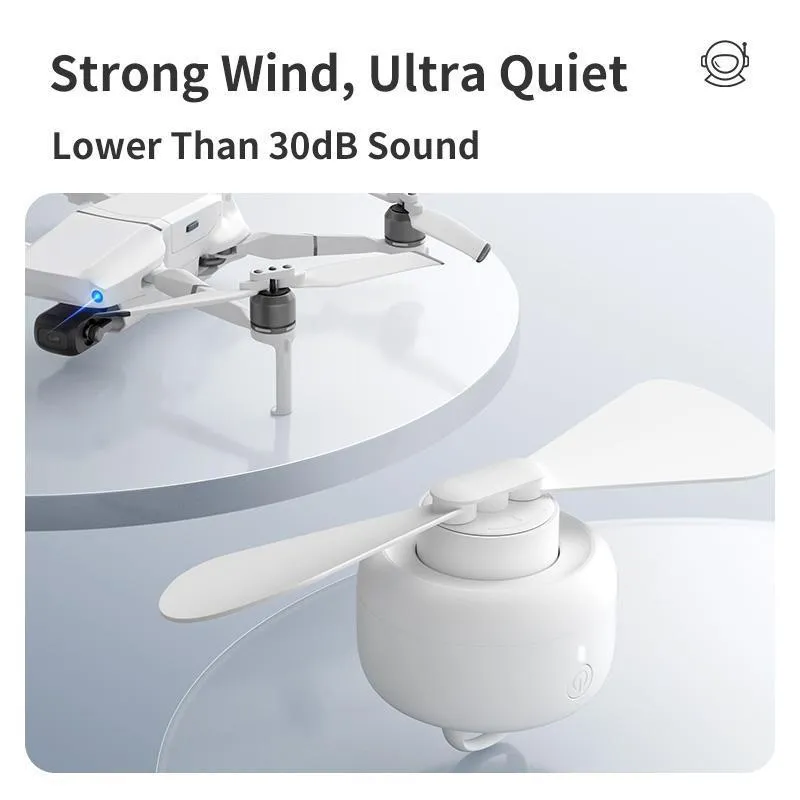
| Noise Level | As low as 30dB |
| Material | UV resistant ABS Plastic |
| Product Weight | 365g |
| Product Size (Diameter) | 90 x 110.5mm |
| Colors Available | White, Dark Green |
| Certification | CE |

Detailed product parameters for the FA16 fan.
5. Setup
5.1 Attaching Fan Blades
The fan blades are designed to be removable for portability and cleaning. Gently align the blades with the motor shaft and push them firmly into place until they click. Ensure they are securely attached before operation.
5.2 Hanging the Fan
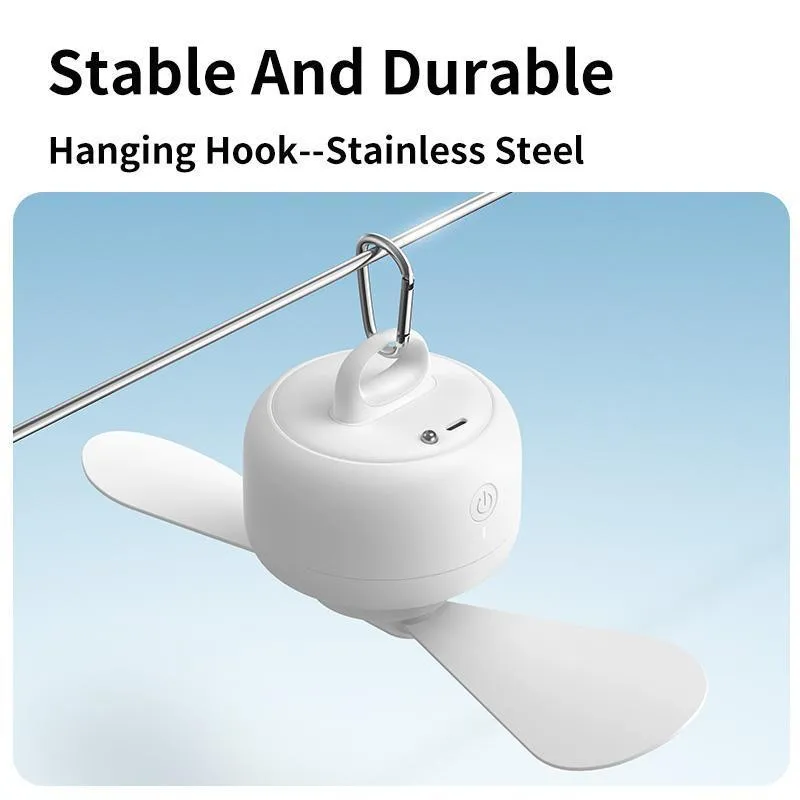
The fan features a durable stainless steel hanging hook for easy installation. Attach the hook to a suitable support point, such as a tent pole, ceiling hook, or any stable structure. Ensure the hanging point can safely support the fan’s weight (365g) and that the fan has enough clearance for the blades to rotate freely.

The fan features a stable and durable stainless steel hanging hook.
5.3 Charging the Fan
Before first use, fully charge the fan. Connect the provided Type-C charging cable to the fan’s charging port and plug the other end into a 5V USB power source (e.g., wall adapter, power bank, computer USB port). The charging indicator light will show the charging status. A full charge takes approximately 7-8 hours.

The fan is equipped with a 9000mAh battery and Type-C charging.
6. Operating Instructions
6.1 Power On/Off
Press the power button on the fan unit or the remote control to turn the fan on or off.
6.2 Adjusting Fan Speed
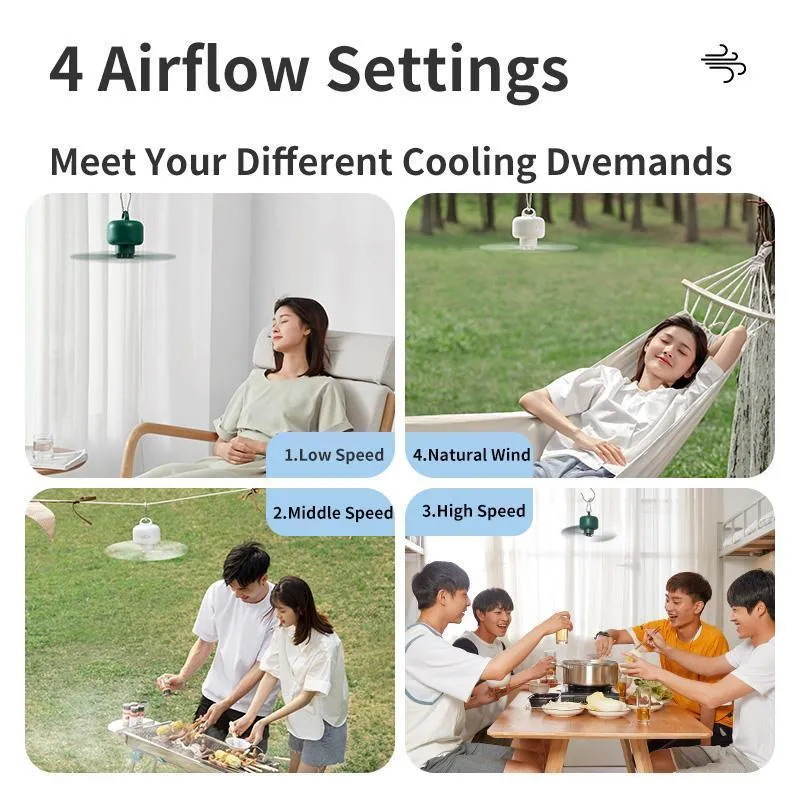
The fan offers 4 airflow settings: Low Speed, Middle Speed, High Speed, and Natural Wind. Press the speed adjustment button on the fan or the remote control to cycle through these settings. The Natural Wind mode simulates a gentle breeze for enhanced comfort.